Best eSIM for Miami During the World Cup 2026 (Hard Rock, South Beach)
Hard Rock Stadium in Miami Gardens hosts 7 World Cup 2026 matches, including the third-place match. If you are flying to MIA or FLL from Latin America, a Miami eSIM is the cheapest way to stay connected across Miami-Dade and South Beach. This guide covers the coverage, the right plan to pick, and which mistakes to avoid.
adminFox
Miami is the warmest World Cup 2026 host city. Hard Rock Stadium in Miami Gardens hosts seven matches, including the third-place match on July 18, 2026. The climate, the beaches, and the South Beach Fan Zones make Miami a destination trip as much as a tournament trip. For international fans flying in from anywhere in Latin America, Miami is the easiest host city by language and culture. This guide explains which eSIM is the best eSIM for Miami during the World Cup, how the coverage works, and which plan to pick.
If you are visiting only the United States, the best eSIM for the United States during the World Cup is covered in our US guide. If you are combining the US with Mexico or Canada, our regional eSIM guide covers the plan that works across all three countries with a single activation.
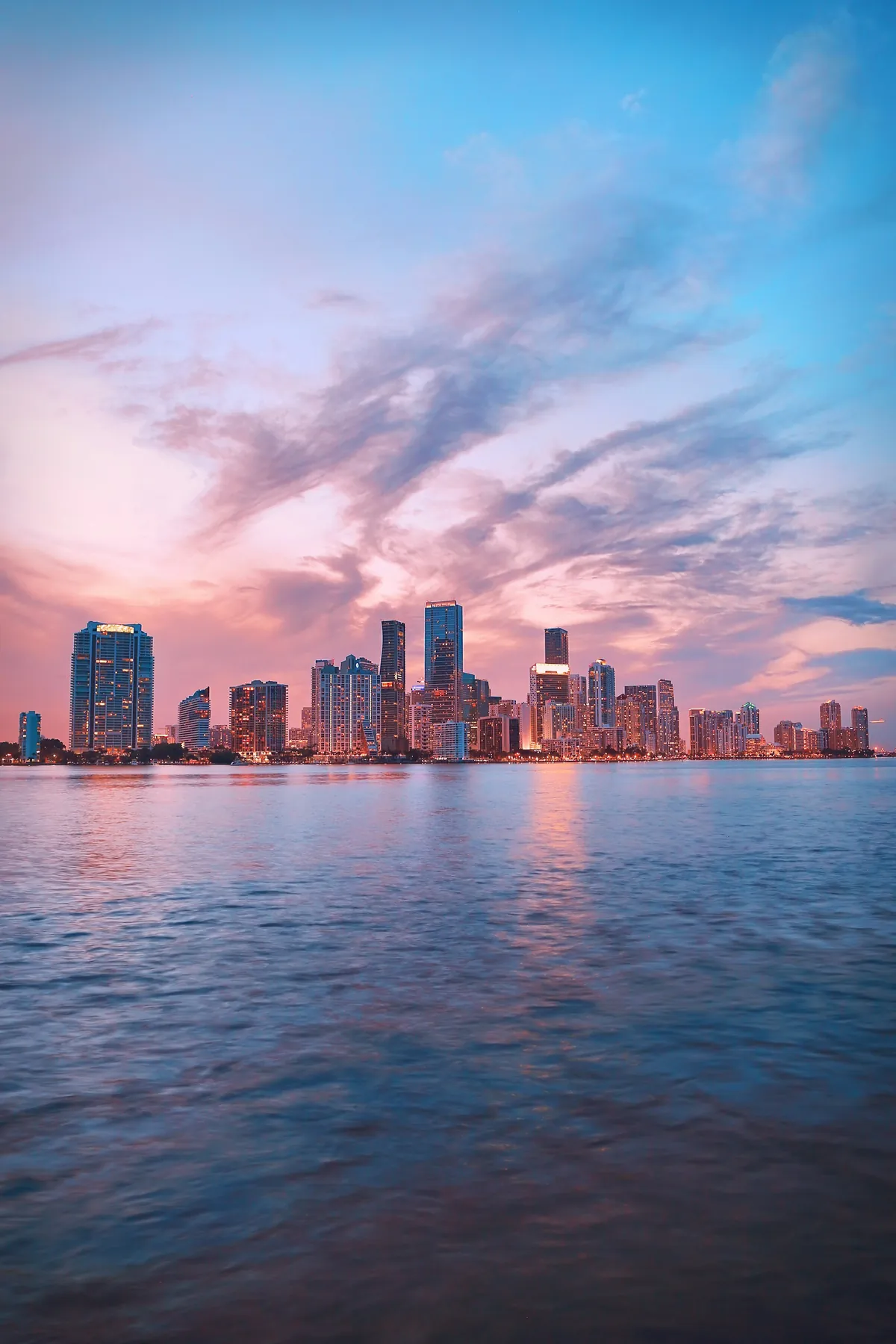
Miami South Beach, the unofficial Fan Zone for match days at Hard Rock Stadium.
Why Miami is the easiest city for Spanish-speaking fans
Miami is the only US host city where Spanish is the working language of everyday life. It is not an "option"; it is the default at restaurants, stores, ride-share apps, and customer service. For fans from Mexico, Cuba, Colombia, Venezuela, Argentina, Peru, Chile, or Spain, Miami completely eliminates the language barrier of the rest of the United States.
Miami also has the strongest air connectivity with Latin America: direct flights from every capital in the region, several times a day, with lower prices than to any other US host city.
Coverage in the Miami metro area
All three carriers cover Miami-Dade and Broward well, but the geography creates some local differences.
Area
Best carrier
Detail
South Beach
Tie
All three carriers have strong outdoor 5G
Downtown Miami
Tie
All three have full coverage in the Brickell towers
Hard Rock Stadium
AT&T
Strongest inside the bowl and parking lots
MIA airport
Tie
All three have full coverage in the terminals
Florida Keys
Verizon
Best coverage on the Overseas Highway
Everglades
Weak
All three carriers lose signal outside visitor areas
Hard Rock Stadium in detail
Hard Rock Stadium is in Miami Gardens, about 12 miles north of downtown. The stadium has been modernized with full 5G coverage in the bowl, and the surrounding parking lots can handle 75,000 fans. The cellular infrastructure is mature because the venue also hosts the Miami Open, the Super Bowl, and the College Football Playoff. A Miami eSIM is what fans use to share match-day videos in real time.
From the airport to the stadium
MIA is 30 minutes from Hard Rock Stadium in light traffic, longer on match days. FLL (Fort Lauderdale) is also a viable airport, especially if you fly with low-cost carriers. The drive from FLL to the stadium is about 25 minutes. A Miami eSIM keeps Google Maps and ride-share apps running throughout the trip.
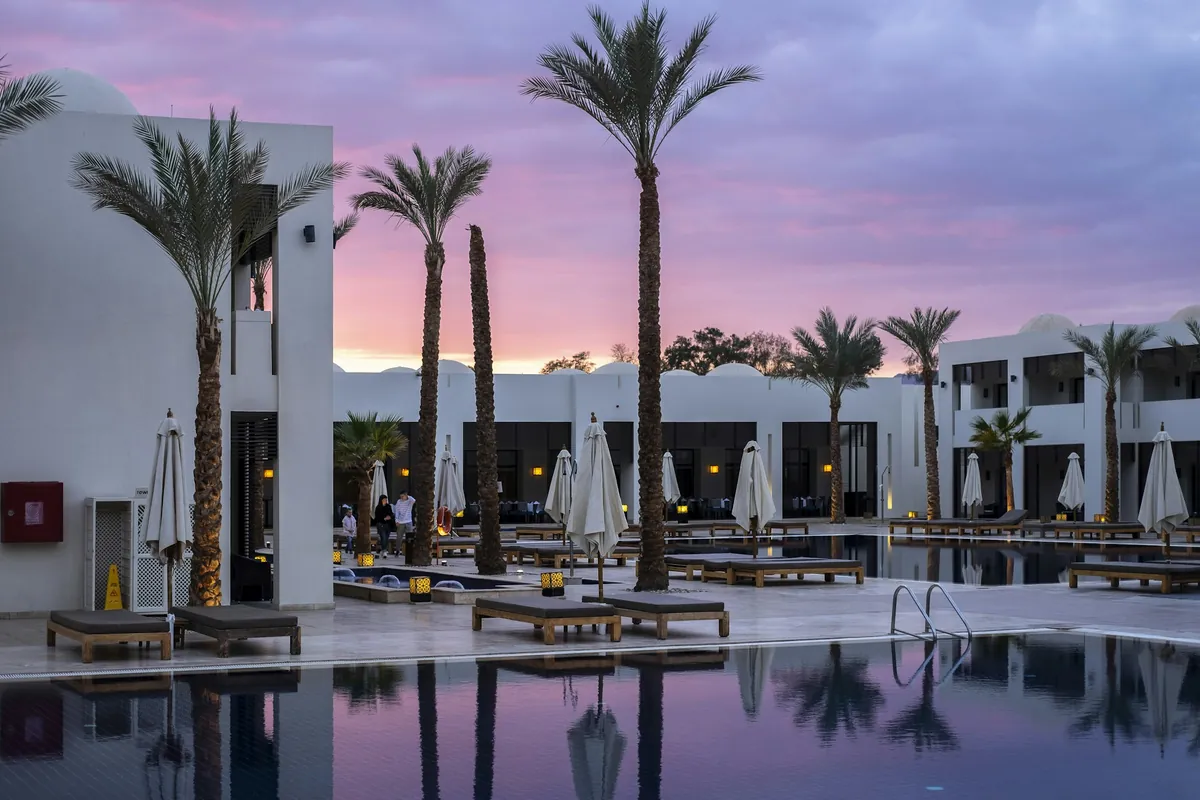
Miami hotel pools are a popular post-match recovery spot during the tournament.
How much data you need for Miami
Miami is the most photo- and video-intensive US host city. Beaches, sunsets, stadium photos, and Fan Zones add up fast.
1 GB / 7 days. Tight. Only if you are going to one match.
3 GB / 15 days. Enough for a two-match trip with light use.
5 GB / 30 days. The right plan for the full Miami swing.
10 GB / 30 days. For content creators and photographers.
Unlimited / 30 days. For journalists and broadcast teams.
Miami eSIM versus airport SIM
MIA has carrier kiosks, but the staff is often slow in busy weeks, the queues are long, and activation requires a US billing address. A Miami eSIM eliminates all of that. You buy online before the flight, scan a QR code, and the eSIM auto-connects to the US network on landing.
The other option is roaming, which works but is overpriced. A 1 GB roaming pass from a Spanish or Latin American operator often costs more than a 3 GB Miami eSIM.
Activation and timing
Install the eSIM at home with Wi-Fi the day before you fly. The data clock does not start until the eSIM connects to the US network, so buying in advance wastes nothing. Set it up as a secondary line and keep your primary SIM active if you want to keep your number for SMS two-factor authentication.
Mistakes that cost money
Do not rely only on stadium Wi-Fi at Hard Rock. It is free, but it slows under match-day load and is often insecure. Do not leave your home operator's roaming as a "safety net"; a single streamed highlight can add 20 USD. Do not buy a 1 GB plan expecting to stretch it across two weeks; you will run out of data on day three.
Install the eSIM at home with Wi-Fi before flying to Miami. You will have data the moment you land.
Pre-trip checklist
Verify your phone is unlocked and eSIM-compatible.
Buy a Miami eSIM with the right data size for the number of matches you are watching.
Install it at home with Wi-Fi the day before you fly.
Save offline maps of Miami-Dade and the Hard Rock Stadium area.
Keep your primary line active for SMS two-factor authentication.
Miami rewards fans who plan their data in advance. With a reliable Miami eSIM, you spend your time at the match and on South Beach, not in airport kiosk queues or searching for signal in the stadium parking lot.